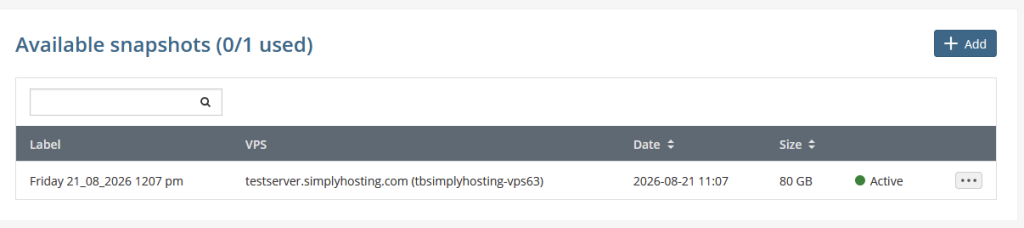
How to create a Snapshot on the One VPS platform
All customers have 1 free snapshot included with every One VPS package, additional ones are available to purchase.
A snapshot enables you to take a copy of your server at a given moment in time, which can be restored in the event your server becomes corrupted in anyway. We recommend creating an inital Snapshot once you have configured your server initially and creating a new one from time to time.
Tip: It isn’t possible to schedule snapshots, however we do offer a 4 hourly automatic backup as an upgrade, these backups can be restored to your server or converted into a snapshot.
- Log into you customer portal with your username and password.
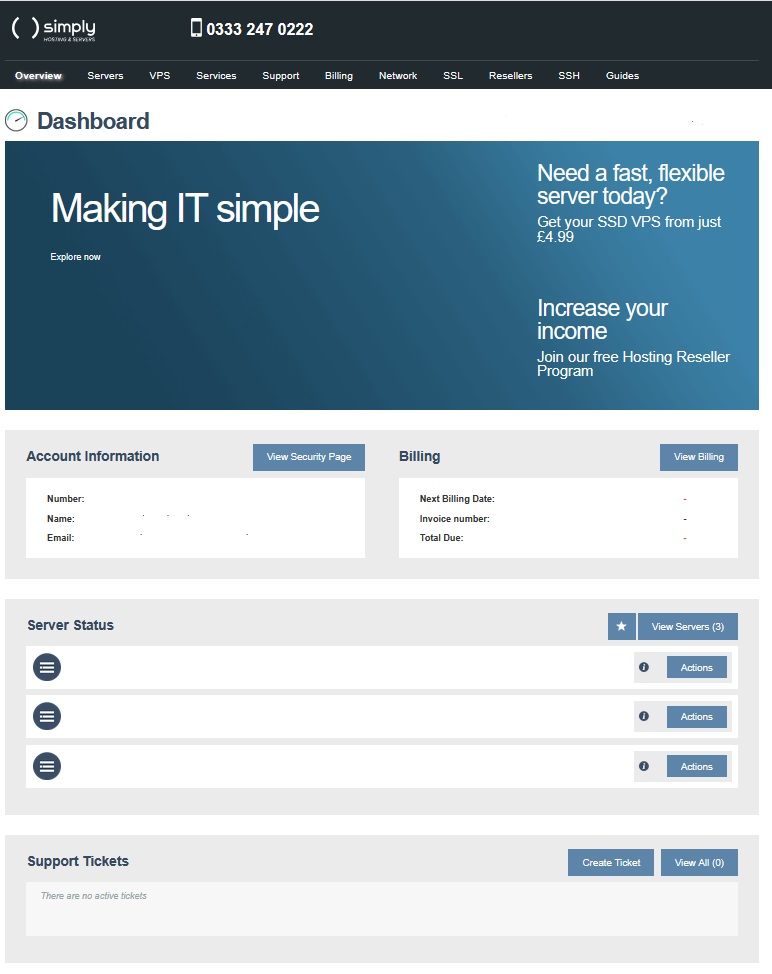
- Click on the ‘VPS’ tab.
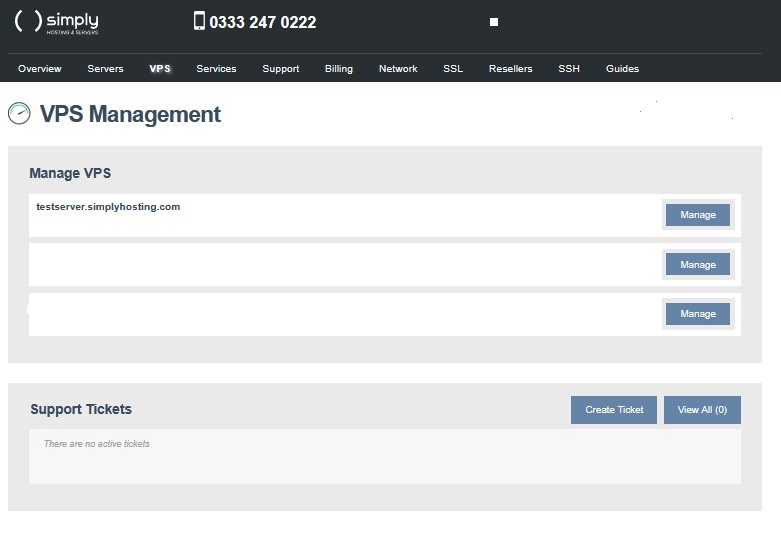
- Select the server you wish to manage and click on ‘Manage’.
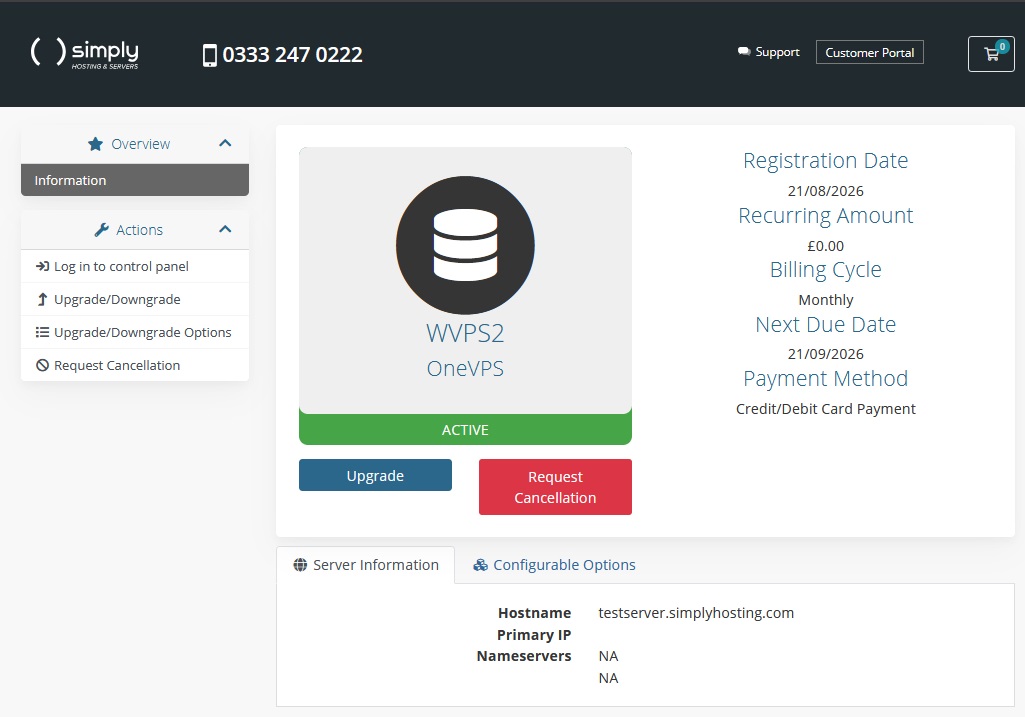
- Click ‘Log in to Control Panel’ and select the server from the list displayed.
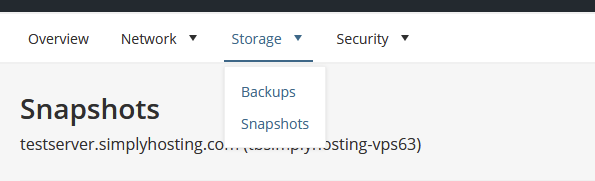
- Click on ‘Storage’ and ‘Snapshots’
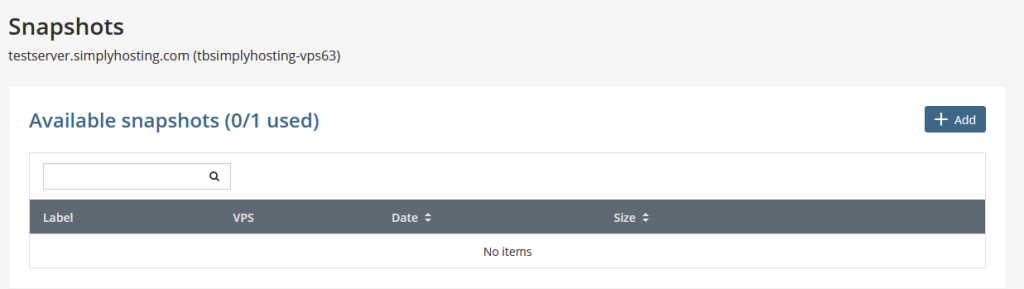
- Click on ‘Add’
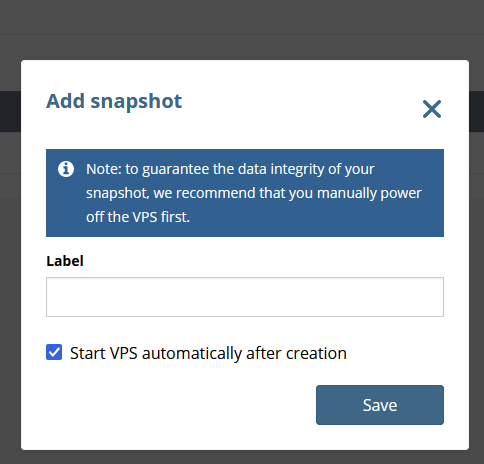
- Shut down your VPS, enter a name for your Snapshot and click on save.
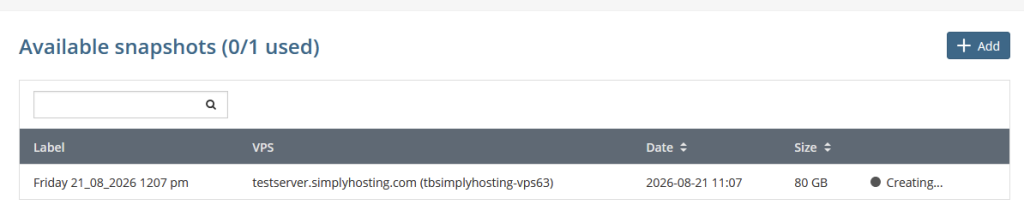
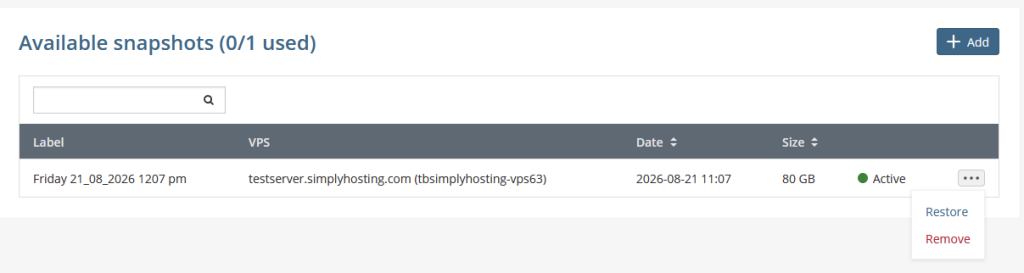
- The creation process will take a few minutes to complete after which you will be able to restore or remove it.