


How to reset a One VPS Linux root password.
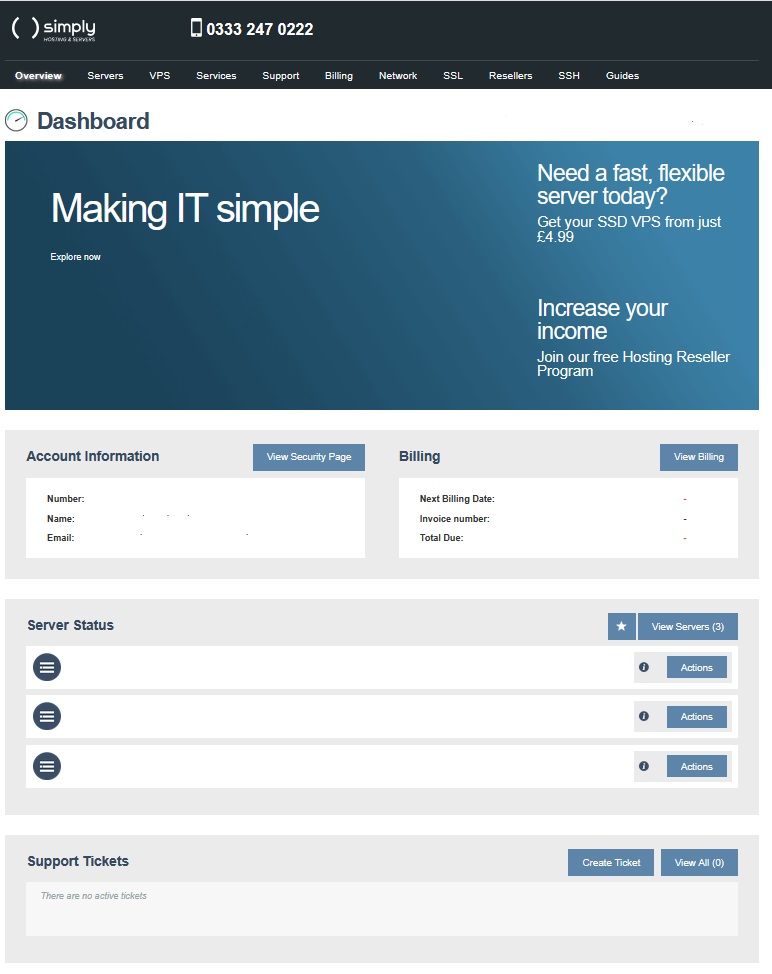
- Click on the ‘VPS’ tab.
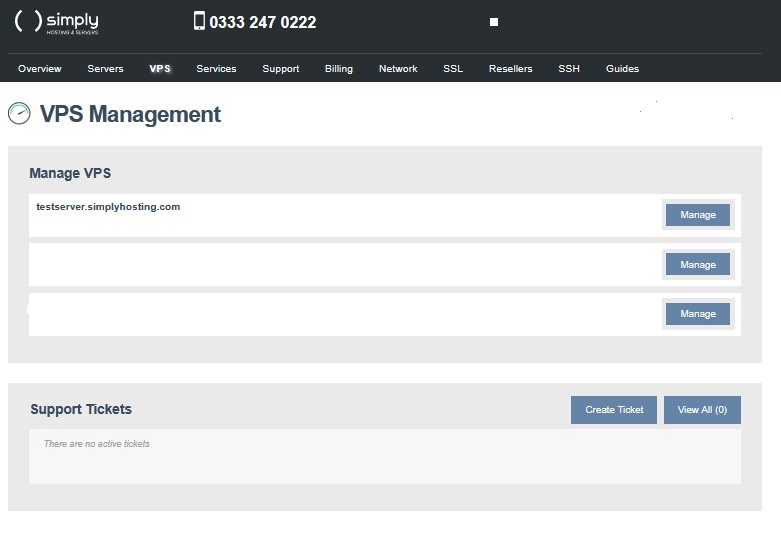
- Select the server you wish to manage and click on ‘Manage’.
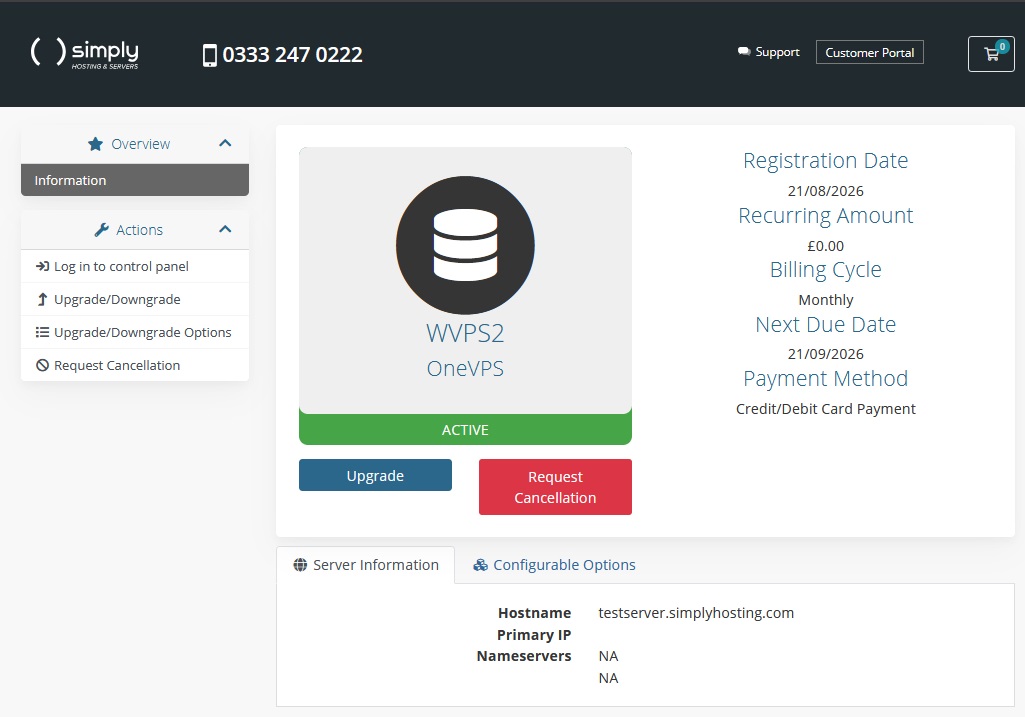
- Click ‘Log in to Control Panel’ and select the server from the list displayed.
- Navigate to your rescue options to the bottom right of your VPS console screen and select the Boot into rescue button and select the RescueLinux Option.
- Once it has loaded select the first option in the Kernel Labled “boot SystemRescue using default Options”.
Tip: You may need to refresh the page to see the server loaded into the rescue image if it does not automatically refresh.
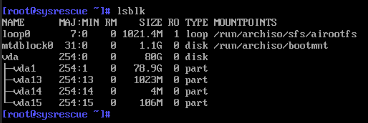
- To reset your password, you need to mount the root, dev, proc, and sys filesystems. Normally, your root partition will be found in /dev/vda1, but check to be sure with the command:
lsblkInfo: From the above you can see that vda1 one disk size matches the 80GB VPS minus the extra partitions. Next we mount that drive so we can alter it by running the following command:
mount /dev /vda1/mnt- chroot to the mounted file system:
chroot /mntTip: The chroot command stands for “change root” and allows us to update/change the root directory and child processes.
- Run the commands to update the password of the root user:
passwd
Info: You will be prompted to enter a new password and a second prompt to confirm the new password, Both of these have to match to make the change. Once you get the “passwd: password updated successfully post on the command line. We will then confirm the change and write to the disk with the following command:
touch /.autorelabelThe password is updated.
exit
umount /mnt- Select the 3 … at the top right corner of our VPS console and select the restart option to load the VPS out of rescue mode and back to its normal operating system.
Info: The root password should be set to the new password and you should be able to login, If you have any further issues please raise a support ticket via your customer portal in the support section.